Your Request has been Submitted
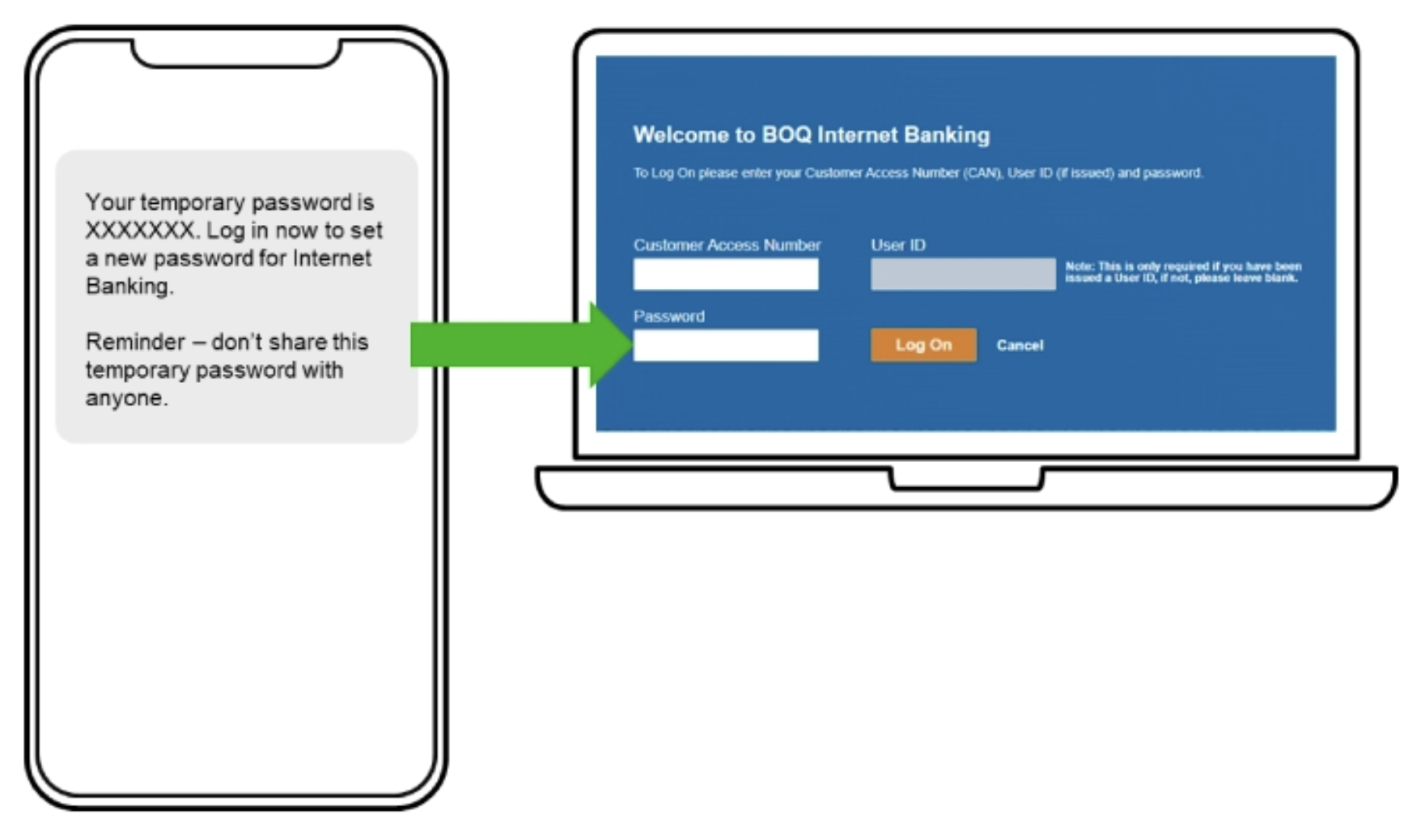
If successful, you will receive a new temporary password via SMS to your mobile.
This should only take a few minutes, but in rare circumstances may take longer.
Once you receive your temporary password, use this to log in to Internet Banking using a desktop computer or browser. You will then be asked to set a new password.
If you don’t receive an SMS within the next 30 minutes, please visit a BOQ Branch or call us to reset your password.